How to Use a Drawing Prompt Generator
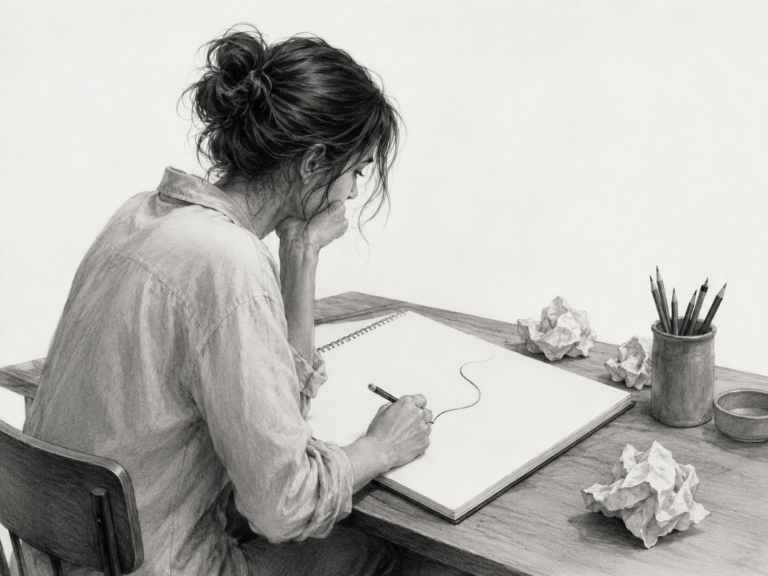
Okay, real talk: how many times have you opened your sketchbook, stared at the blank page for a solid ten minutes, and then closed it again because you had absolutely no idea what to draw? Yeah. Me too. More times than I’d like to admit. For the longest time I thought the problem was that I wasn’t “inspired enough,” but honestly the problem was just decision fatigue. That’s where a good drawing prompt generator completely changed how I practice, and I want to walk you through exactly how I use one so it actually helps instead of becoming another tab you forget about.
By the end of this you’ll know how to turn a random prompt into a finished sketch, how to use prompts to fix specific weak spots in your art, and how to build a habit that sticks. Grab your pencil (or your iPad, no judgment) and let’s get into it.
Why a drawing prompt generator works better than “just drawing”
Here’s the thing nobody tells beginners: the hardest part of drawing isn’t the drawing. It’s the deciding. Your brain has a limited amount of willpower each day, and if you burn it all up trying to choose a subject, you’ve got nothing left for the actual art. A drawing prompt generator removes that first hurdle entirely. You tap a button, you get a subject, and now your only job is to draw it. That little shift sounds small, but it’s the difference between practicing four times a week and practicing zero times a week.
The other reason it works is variety. Left to our own devices, we all draw the same five things over and over. I personally would draw the same girl with the same swoopy hair until the end of time if nobody stopped me. Prompts force me out of that rut and make me draw stuff I’d never pick on my own, like a “weathered sailor squinting at bright light” or a “house cat resting on a windowsill in early morning light.” Drawing things outside your comfort zone is literally how you get better. It’s uncomfortable, but that discomfort is the growth.
The simple way I turn one prompt into a real drawing
So you’ve got your prompt. Now what? A lot of people freeze up here because the prompt feels too vague or, weirdly, too specific. Here’s the little process I use every single time, and it takes the pressure off completely.
- Read it twice and picture it. Before my pencil touches paper, I close my eyes for like five seconds and try to actually see the thing. Where’s the light coming from? Is the subject close up or far away? This tiny pause saves me from drawing a stiff, floaty figure with no context.
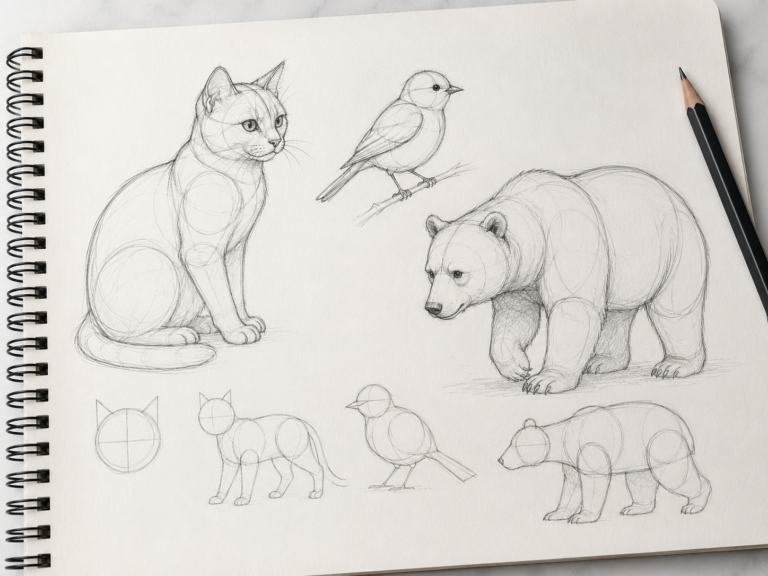
- Do a thumbnail first. I draw a tiny version, maybe two inches wide, just to figure out the composition. No detail, just blobs and lines. If the thumbnail looks boring, I do another one. Thumbnails are basically free, so make a few.
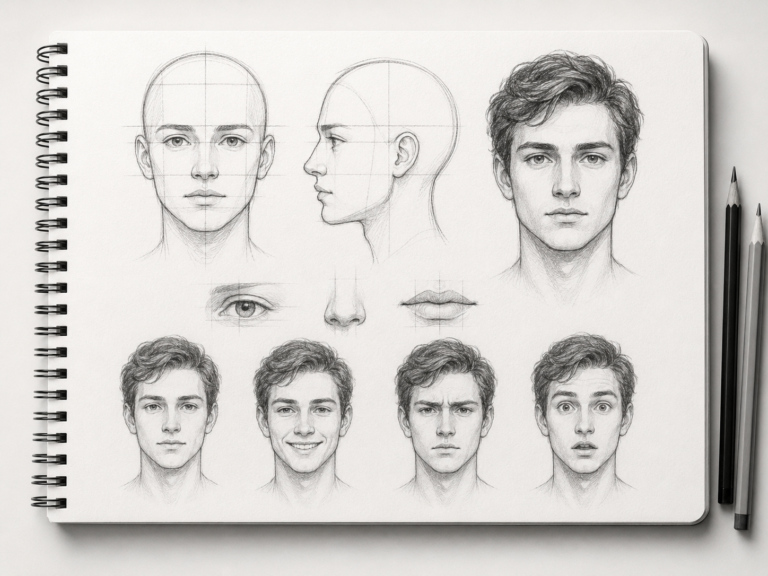
- Block in the big shapes. I rough out the largest forms before any details. A face is an egg before it’s eyes and a nose. A landscape is three big value shapes before it’s individual trees.
- Then, and only then, add detail. Once the bones are right, I let myself have fun with the fun stuff: texture, little accessories, the sparkle in an eye.
That’s it. Picture it, thumbnail it, block it, detail it. The prompt just gives you the “what.” This process gives you the “how.”
Use prompts to fix your specific weak spots
Once you’re comfortable, you can get strategic. This is where prompts go from “fun warm-up” to “actual training plan.” Think about the thing you avoid drawing because you’re bad at it. Hands? Backgrounds? Anything that isn’t a front-facing face? Cool, that’s your assignment.
When I realized my characters always floated in empty white voids because I was scared of backgrounds, I started leaning on the landscape drawing prompt generator specifically to force myself to draw environments. Misty mountain roads, quiet beaches, foggy forest paths, all that. My backgrounds are still not amazing, but they exist now, which is a huge upgrade from “blank white nothing.”
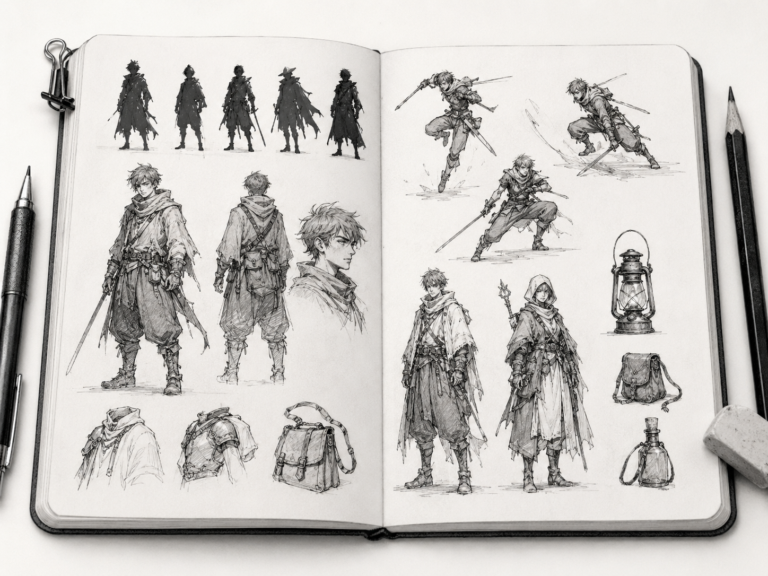
Same logic applies to everything. Want better faces? Hammer the portrait drawing prompt generator until expressions stop scaring you. Want to design your own original characters instead of just drawing fan art? The character drawing prompt generator is genuinely a cheat code for that, because it hands you a role, an outfit detail, and a pose all at once.
Simple vs detailed prompts: when to use each
If you’ve poked around the generator, you’ve seen there are two modes, and people always ask me which one is “better.” Neither. They’re for different moods, and I use both in the same week.
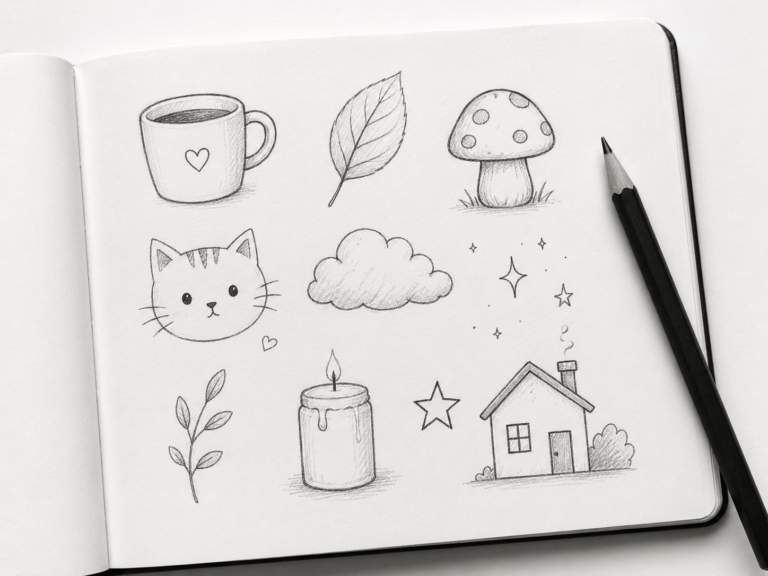
Simple prompts are short and flexible. Something like “draw a fox in a snowy ridge.” That leaves a ton of room for your own interpretation, which is perfect for quick warm-ups when you’ve only got ten or fifteen minutes. I do simple prompts on busy days when I just want to keep the streak alive and not think too hard.
Detailed prompts spell out the angle, the lighting, the focus, and the mood. They read more like a tiny art brief. These are my go-to when I actually have an hour and want to make something more finished. The extra constraints sound limiting, but constraints are weirdly freeing. When the prompt already decided the lighting is “dramatic noir lighting” from a “slightly low angle,” I’m not wasting brainpower on those choices. I’m just executing.
My honest recommendation: start with simple prompts for your first couple weeks so you don’t get overwhelmed, then graduate to detailed ones when you want to push your compositions further.
Building a daily habit that actually sticks
This is the part that matters most, and it’s where most people fall off. A drawing prompt generator is only as useful as how often you open it. Here’s what made the habit stick for me after years of starting and quitting.
First, I made the bar embarrassingly low. My rule was “one prompt a day, even if it’s a garbage two-minute scribble.” On good days I’d do way more, but the official requirement was just one. You cannot fail a goal that’s that easy, and that’s the point. Streaks build momentum, and momentum builds skill.
Second, I attached it to something I already do. I draw my prompt while my morning coffee brews. Same time, same place, every day. When you bolt a new habit onto an old one, your brain stops treating it like a separate chore you have to remember.
Third, I started using the daily drawing challenge on the homepage for accountability. It gives you one prompt that’s the same all day and resets every twenty-four hours, so there’s a tiny “use it or lose it” pressure that keeps me coming back. I treat that one as my “real” piece of the day and use the random roller for extra warm-ups.
A quick example, start to finish
Let me show you how this plays out so it’s not all theory. Say I generate: “Sketch a tired nurse beside a rainy window, lit by soft window light.” Here’s my actual thought process.
I picture it first. Rainy window means soft, cool, diffused light, and probably some little water streaks on the glass. “Tired” tells me the posture, slumped shoulders, maybe a hand propping up the head. I do a tiny thumbnail putting the figure off to one side so the window takes up real estate, because a centered figure would feel stiff. I block in the head as an egg, the torso as a soft trapezoid, the window as a big rectangle of light behind her. Then I add the details: the crease between her brows that says “long shift,” the steam rising off a mug, a couple of rain streaks on the glass to sell the mood. Twenty-five minutes, one finished sketch, and I learned something about soft lighting I wouldn’t have if I’d just drawn my usual swoopy-hair girl again.
That’s the whole magic. The prompt gave me a starting point I never would’ve chosen, and the structure turned it into a real drawing instead of an intimidating blank page.
Common mistakes to avoid
- Rerolling forever. If you tap generate fifteen times looking for the “perfect” easy prompt, you’re just avoiding drawing. Commit to the second or third one, max.
- Trying to make a masterpiece every time. Most of these should be quick studies. Finished, not perfect. Perfect is the enemy of practice.
- Skipping the thumbnail. I know it feels like a waste of time. It’s not. Thirty seconds of thumbnail saves you a frustrating, lopsided drawing.
- Only drawing your comfort subjects. If the prompt scares you a little, that’s the one to draw. Lean into it.
Your turn
That’s genuinely everything I know about squeezing the most out of a drawing prompt generator. It sounds almost too simple, but the whole point is to remove friction so you draw more, and drawing more is the only real secret to getting better. There’s no magic technique that beats just showing up consistently.
So here’s your homework, and I mean it: go to the drawing prompt generator right now, tap the button once, and draw whatever it gives you. Don’t overthink it. Set a fifteen-minute timer, picture it, thumbnail it, block it, detail it. Then do it again tomorrow with your coffee. Two weeks of that and I promise the blank page stops being scary. Now go draw something.